Simple Space Manager for Confluence Cloud
View, access, copy, and delete existing spaces or create new spaces with the Simple Space Manager app for Confluence Cloud.
The Simple Space Manager application for Confluence Cloud consists of four macros, an integration in the space settings (Space Settings → Integrations → Simple Space Manager), and a global Confluence integration accessible via the Confluence Navigator (Apps → Simple Space Manager).
Example: Macro search
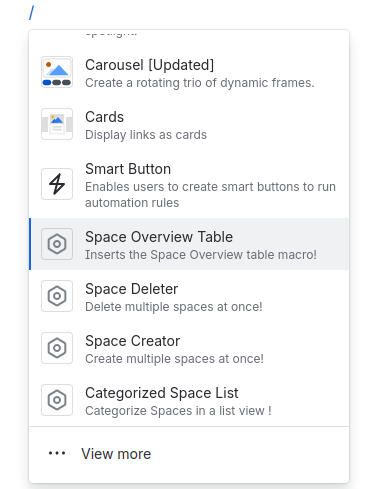
Macros
- Space Overview Table
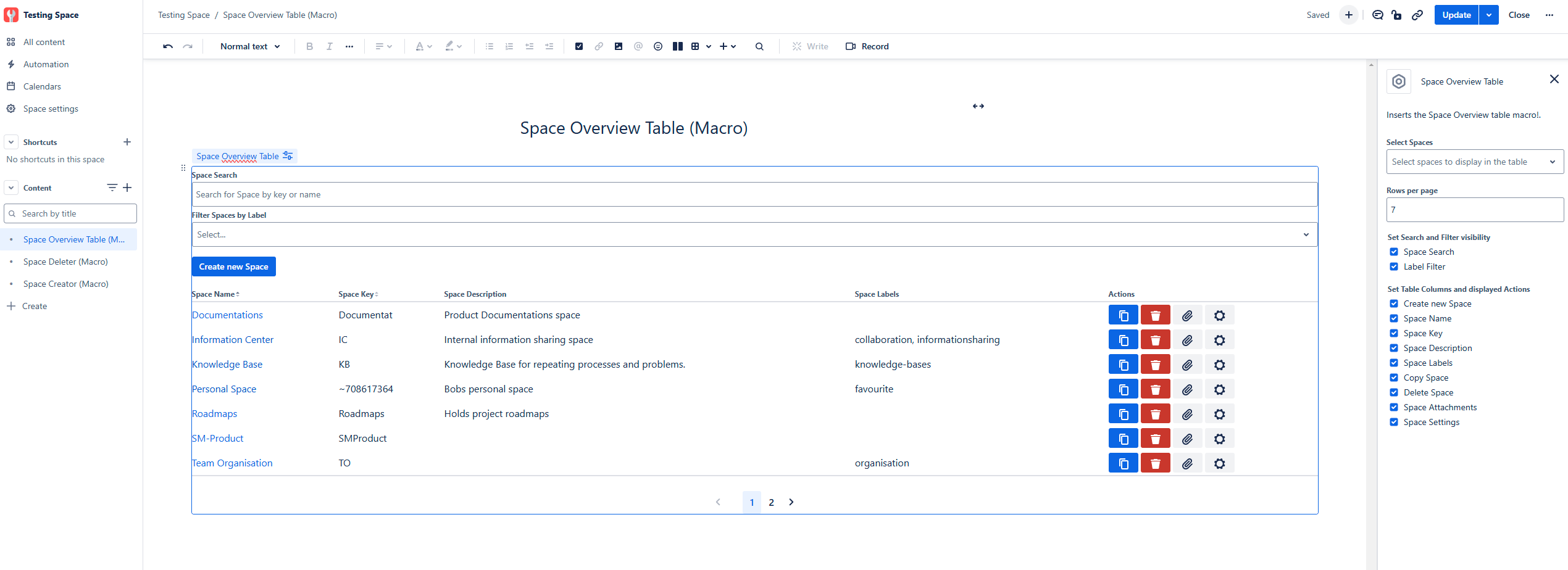
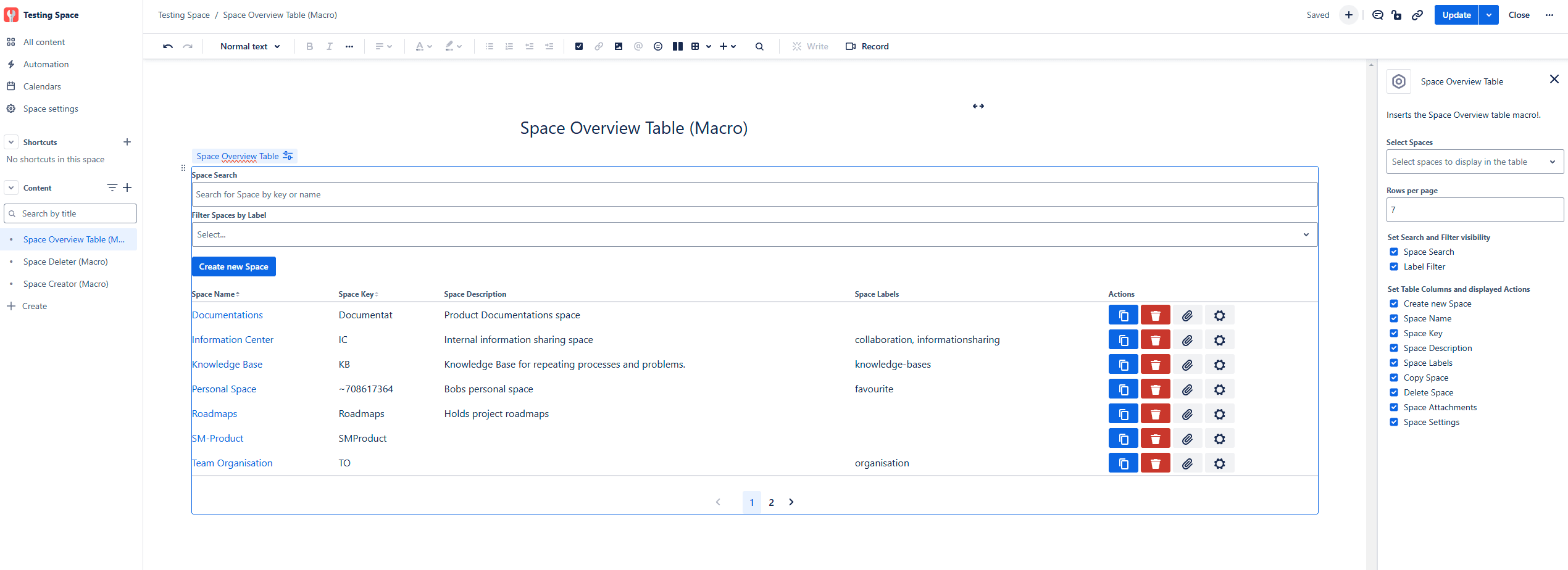
Adds a searchable, filterable, and configurable table that displays all or selected Spaces of your instance. The table has a configuration to customize the visibility of fields, columns, and action buttons, as well as to select the Spaces displayed. If no Spaces are selected, all Spaces are displayed.
Example: Space Overview Table
- Categorized Space List
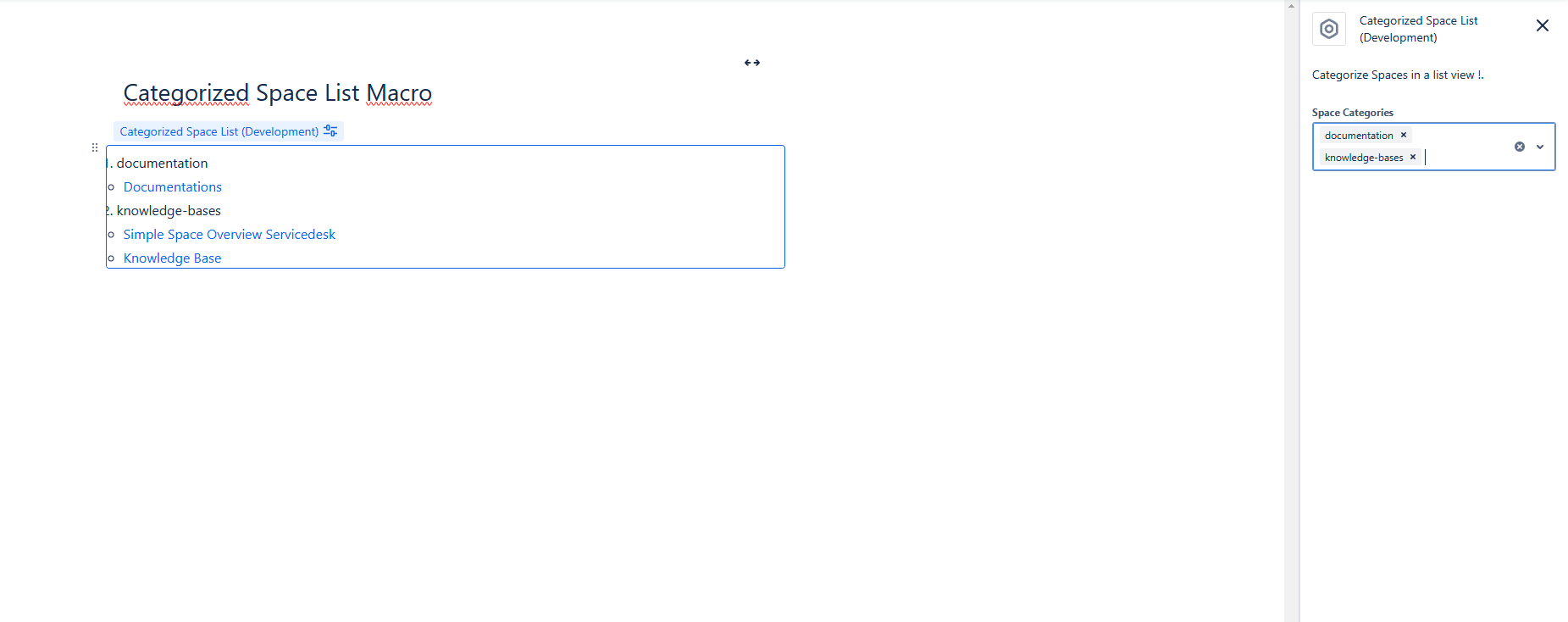
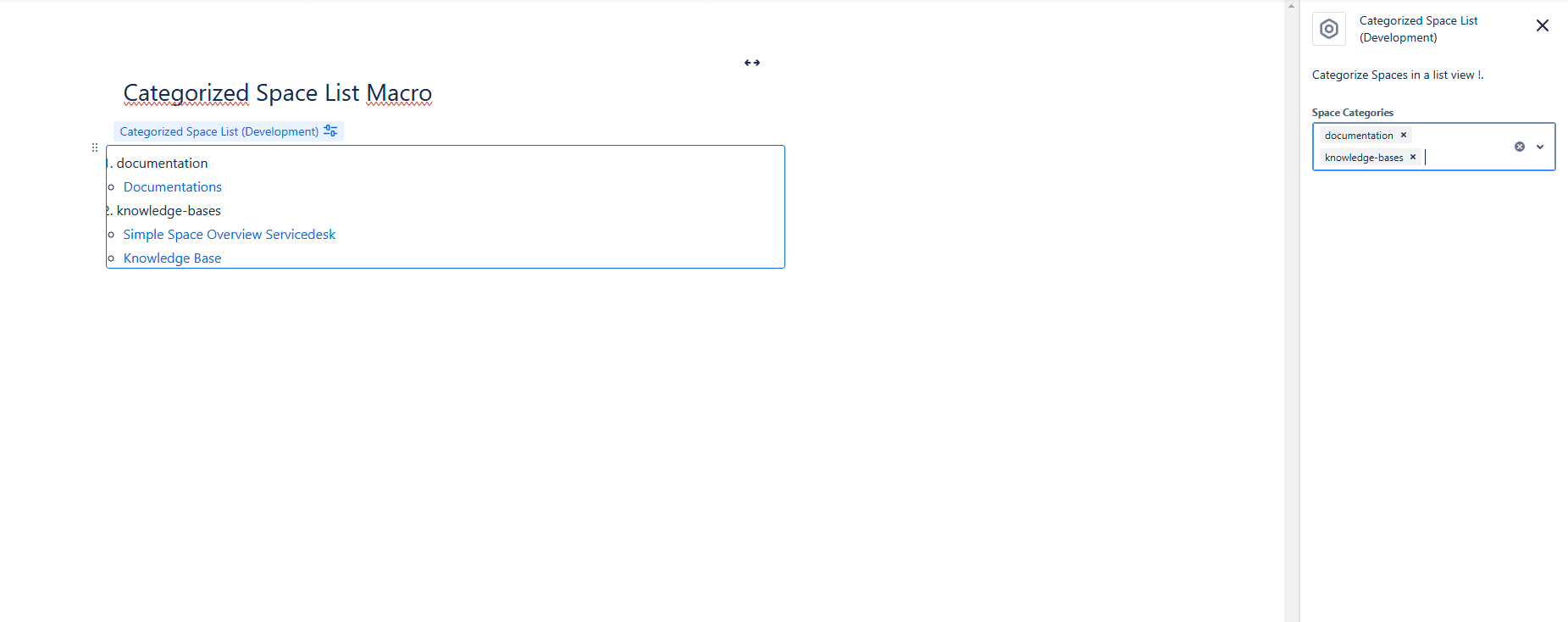
Adds a searchable, filterable, and configurable table that displays all or selected Spaces of your instance. The table has a configuration to customize the visibility of fields, columns, and action buttons, as well as to select the Spaces displayed. If no Spaces are selected, all Spaces are displayed.
Example: Categorized Space List
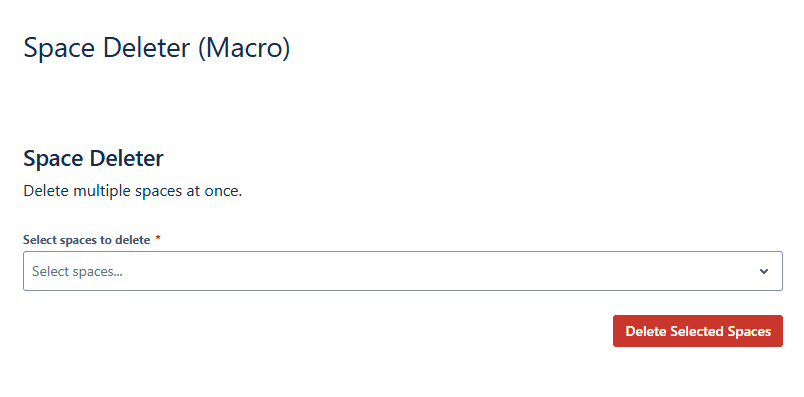
- Space Deleter
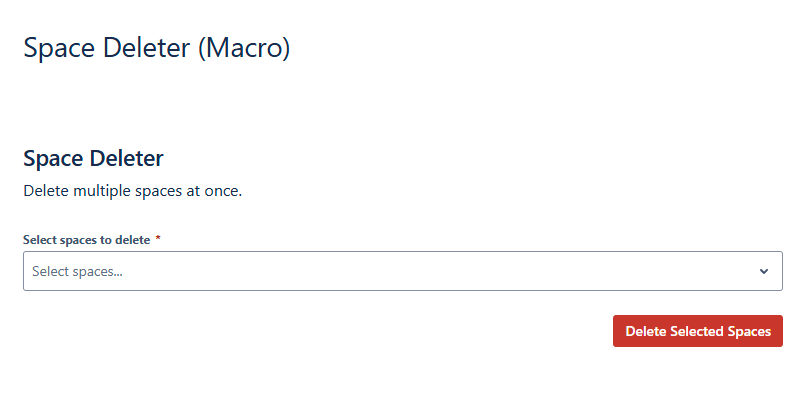
A searchable multiple selection to completely delete multiple Spaces.
⚠️ Attention! Spaces will NOT be archived!Example: Space Deleter
- Space Creator
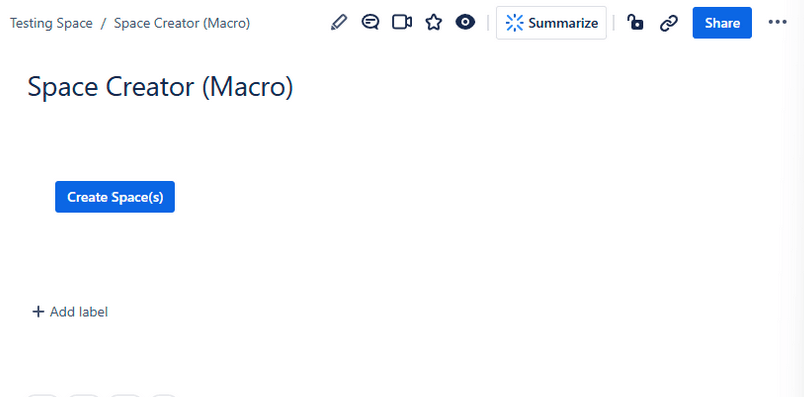
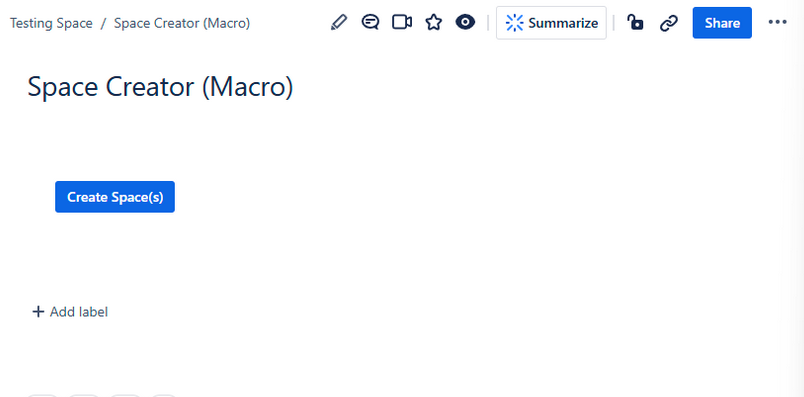
A simple button that allows you to create up to 10 Spaces at once by defining names and keys. The default separator is a comma "," and can be changed in the macro configuration.
Example: Space Creator